

PatsFans.com Menu
PatsFans.com - The Hub For New England Patriots Fans

Site News New Forum Layout Now Available (Report any Bugs Here)

I can't take credit for the theme switching ability - that's part of the newest version of the software. But I did pick all the colors and it's been challenging given that they mixed them with a generic design and it was a little tougher having to make manual changes when the default settings didn't necessarily fit what I was going for. But everyone did an a great job of pointing out all the bugs, which has been extremely helpful. Got a lot fixed earlier today thanks to that.


Humble as always! =) The only thing I would call an "issue" with, and I don't know if anyone mentioned it already but this red on this blue makes for hard reading at times. For instance see pointed to text in screen:


When a font is smaller and I guess the contrast is too low if I am not mistaken....design pro's don't kill me... =D for us oldies, it may make for harder reads. Well whenever red is used and so far I am just seeing it in usernames.....Just thought I would mention it. =) Again kudos..
 
This is extremely minor, but is it possible to make the color of links darker?
(Or is it better to leave as is, to better differentiate a link from regular text?)

This is the default:

Another example:
Here is a link to an interesting thread on PatsFans.

This is the same, but with a darker blue (hex code #000066) that offers a bit more contrast.


Just discovered something else. Again, very minor - but a bit odd.
When I place that link (above) into a sentence, it goes completely white on the screen.
The only way to see it before hiiting 'post reply' is to toggle to BB code (upper right).
(It can be seen when you hit preview, but not while typing unless I hover the cursor directly over that portion.)

Also - I went from the "Light" style to "Dark" to compare - and when I did that, the link was not visible at all (blue on blue), for either the default link color of the #000066.


Edit: the full unfurled/embedded post did not show up when I hit 'preview' - just the "http ...... 1165668", in the light blue color.
So it's probably a moot point.
 
  • Like
Reactions: Ian
This is extremely minor, but is it possible to make the color of links darker?
(Or is it better to leave as is, to better differentiate a link from regular text?)

This is the default:

Another example:
Here is a link to an interesting thread on PatsFans.

This is the same, but with a darker blue (hex code #000066) that offers a bit more contrast.


Just discovered something else. Again, very minor - but a bit odd.
When I place that link (above) into a sentence, it goes completely white on the screen.
The only way to see it before hiiting 'post reply' is to toggle to BB code (upper right).
(It can be seen when you hit preview, but not while typing unless I hover the cursor directly over that portion.)

Also - I went from the "Light" style to "Dark" to compare - and when I did that, the link was not visible at all (blue on blue), for either the default link color of the #000066.


Edit: the full unfurled/embedded post did not show up when I hit 'preview' - just the "http ...... 1165668", in the light blue color.
So it's probably a moot point.
Yes, I'll definitely work on that. Won't have as much time today as I had hoped, but I'll definitely tweak those.
 
@Ian did you want bugs related to the board reported in this thread?
 
  • Like
Reactions: Ian
That darker blue link above is definitely harder to read on my phone in Dark mode.
Is anyone else having an issue with going into a thread you've been in numerous times (without logging out), but not landing where you should (next post after last time you were in there)?
Sometimes I go back to a thread, and I'm way further back than I should be.
Didn't know if anyone else is seeing this, and if it has anything to do with the update.
Thanks
 
BTW, the above behavior is not always the case, sometimes it just happens.
I just went back into threads and I went right where I should have.
 
I’ve noticed this happen on mobile Safari. When I have a thread open in one of the tabs and go away from Safari for a bit, when I come back it looks like this and I have to refresh each time to fix it.
 

Attachments

  • IMG_2540.png
    IMG_2540.png
    511.3 KB · Views: 3
That darker blue link above is definitely harder to read on my phone in Dark mode.
Is anyone else having an issue with going into a thread you've been in numerous times (without logging out), but not landing where you should (next post after last time you were in there)?
Sometimes I go back to a thread, and I'm way further back than I should be.
Didn't know if anyone else is seeing this, and if it has anything to do with the update.
Thanks
If a thread title gets changed (because of an update, or to clarify the subject matter), I have noticed it will bring you back to the original post the next time you read that thread. That was true before the change, so I'm not sure if that has anything to do with what is happening to you are experiencing.
 
If a thread title gets changed (because of an update, or to clarify the subject matter), I have noticed it will bring you back to the original post the next time you read that thread. That was true before the change, so I'm not sure if that has anything to do with what is happening to you are experiencing.
Cache issue on this one, which I'm assuming requires CloudFlare to see it and update it.
 
I’ve noticed this happen on mobile Safari. When I have a thread open in one of the tabs and go away from Safari for a bit, when I come back it looks like this and I have to refresh each time to fix it.
I've run into that also. Tweaking a couple of things that I think might come into play with that.
 
Still working on the fixes on iPad/Mac @Boomer B and @Ross12 . Will be doing some testing here shortly so disregard if you see anything wonky. I'll disable it again if this solution doesn't work and I'll update if/when we're good.
 
That darker blue link above is definitely harder to read on my phone in Dark mode.
Is anyone else having an issue with going into a thread you've been in numerous times (without logging out), but not landing where you should (next post after last time you were in there)?
Sometimes I go back to a thread, and I'm way further back than I should be.
Didn't know if anyone else is seeing this, and if it has anything to do with the update.
Thanks
The darker blue link by @jmt57 was hard-coded (so it'll be tough to see in dark mode), but I believe I took care of his issue with fixing some of the other links that were harder to see in dark mode.

On quoted posts, I'll be fixing the red color in that block in a bit and changing it on dark mode.
 
@Boomer B @Ross12 and @n1997y - I think the issues on Apple have been corrected. It looks correct on my iPad, but I don't have a Mac so let me know.

(Edit: My son has a Mac and it appears to be good - but let me know if that's not the case for you)
 
I’ll address some of the other things as the additional blocks at the top need to move down on mobile, still have some colors to fix, etc.

Again, appreciate people continuing to post things here so I can fix them.
 

Another example:
Here is a link to an interesting thread on PatsFans.

This is the same, but with a darker blue (hex code #000066) that offers a bit more contrast.


Just discovered something else. Again, very minor - but a bit odd.
When I place that link (above) into a sentence, it goes completely white on the screen.
The only way to see it before hiiting 'post reply' is to toggle to BB code (upper right).
(It can be seen when you hit preview, but not while typing unless I hover the cursor directly over that portion.)
I hit reply to say that the darker blue had less contrast, not more, on my iPad. So I would prefer the original / default not the change to darker blue jmt advocated for.

But…

When editing, in the reply quote first link then displayed the white text issue jmt described. It had been the expected light blue in the op but went white in the reply. When posted it displayed in the light blue as normal…
 
  • Like
Reactions: Ian
I hit reply to say that the darker blue had less contrast, not more, on my iPad. So I would prefer the original / default not the change to darker blue jmt advocated for.

But…

When editing, in the reply quote first link then displayed the white text issue jmt described. It had been the expected light blue in the op but went white in the reply. When posted it displayed in the light blue as normal…
I saw the white…I’ll get that corrected. The issue is that there are a lot of shared variables that the software has which work great in a generic layout but not when you start really making more intense changes, especially over more than one theme style. But I’ll adjust the quoted posts in both when it comes to links.

However, a lot of the issues you had should be gone. I found the Apple-related conflicts and from what I can tell, they should be all set. I also had the slowness issue you had, and the response issues and found the script with the conflict. Working significantly better now on my iPad.
 
Last edited:

PatsFans.com LinkHub

𝕏 / Tweet
twitter.com
Uncategorized
twitter.com · by Ian
7h
𝕏 / Tweet
twitter.com
Patriots Player News
twitter.com · by Ian
12h
𝕏 / Tweet
X.com: Video of Christian Gonzalez's One-Handed Grab
Patriots Videos
twitter.com · by Ian
15h
𝕏 / Tweet
X.com - Patriots Had TE Jeremiah Franklin in for a tryout
Patriots News
twitter.com · by Ian
2d
📰
📰 Article
Mitchell Van Vooren - Track & Field - Marquette University Athletics
Player Info Link
gomarquette.com · by Clonamery
2d
📰
📰 Article
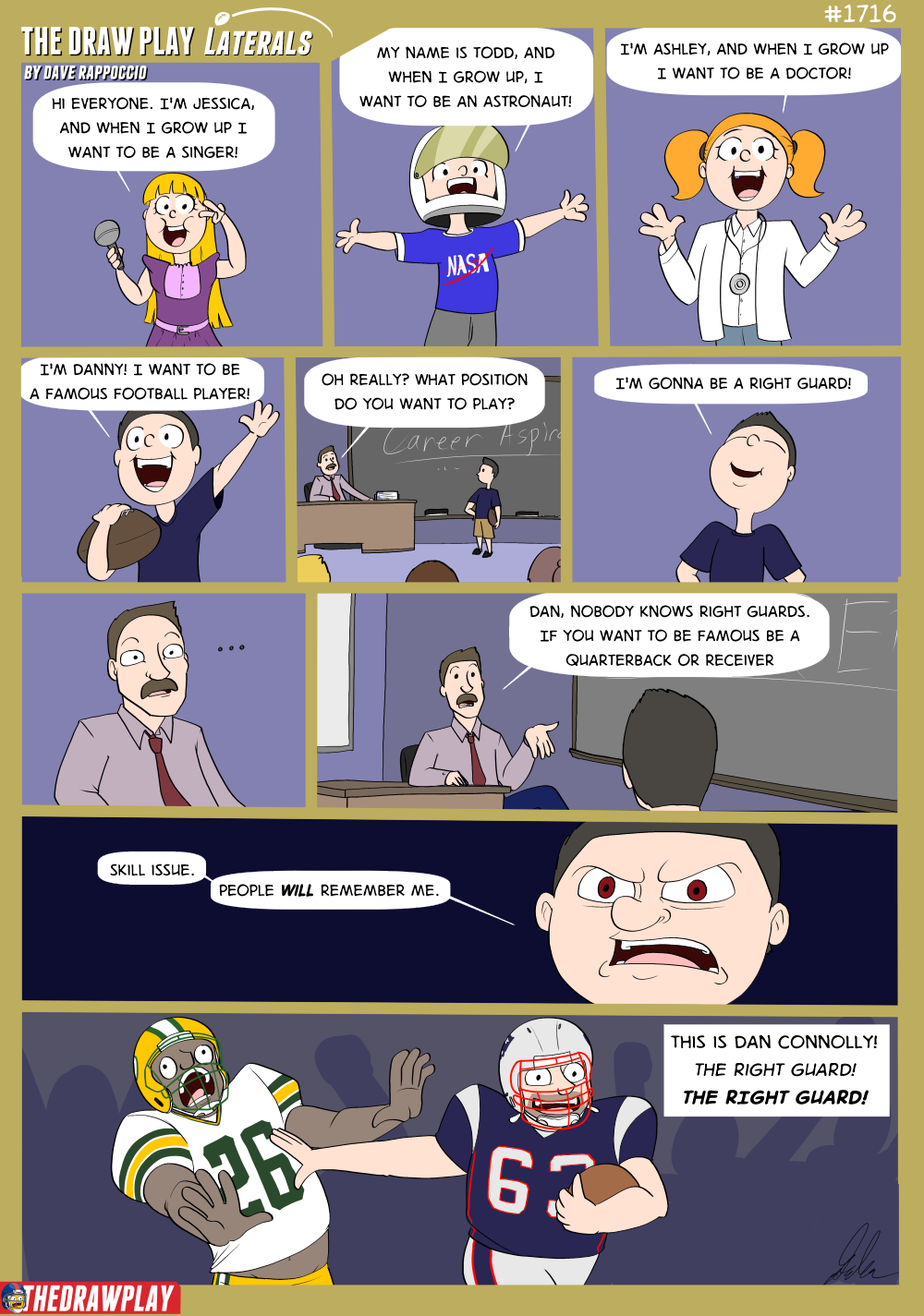
Dan Connolly Runs It Back - The Draw Play
Funny Link
thedrawplay.com · by ctpatsfan77
2d
📰
📰 Article
Patriots Sign TE Mitch Van Vooren and LB Riley Wilson; Release FB Brock Lampe
Patriots Player News
patriots.com · by mayoclinic
2d
𝕏 / Tweet
X.com - Patriots Transactions, Lampe Released, Patriots Sign 2
Patriots Player News
twitter.com · by jmt57
2d
Kraft Speaks on Christian Gonzalez, Reveals Team’s Offer Would Make Him “Highest-Paid Player Ever” at CB
TRANSCRIPT: Robert & Dana Kraft Media Interview 7/25
TRANSCRIPT: Drake Maye Press Conference 7/25
REPORT: Patriots Finally Get Rookie Jacas Under Contract
TRANSCRIPT: Mike Vrabel Press Conference 7/25
Patriots’ Vrabel Addresses Gabe Jacas Holdout: “We’re not going to put a timeline on it”
Vrabel Optimistic as Patriots Continue Contract Talks with Christian Gonzalez: “I Would Expect Him to Participate”
DeAndre Hopkins On Hand Ahead of Camp, Pondering Coaching Role
TRANSCRIPT: Mike Vrabel Pre-Training Camp Press Conference 7/24
MORSE: Pre-Camp Patriots Roster Projection and Training Camp Preview
Back
Top