PatsFans.com Menu
PatsFans.com - The Hub For New England Patriots Fans

Site News New Forum Layout Now Available (Report any Bugs Here)

@Ian small bug, on the dark variant, once you click on the shortcuts for messages/alerts, it's impossible to read the text for additional features at the bottom of the popped-up window, because of the bg font (Both white)
 
@Ian
Don't know if this already has been mentioned, but the ever-present lighthouse pop-up ad moves around occasionally obscuring text -- any way to get rid of it? Also I've wondered if you can bring back post numbers in threads along with tallies of who has posted how many times in a given thread, useful features in prior iterations. No big deal if it's too much work or not possible.
 
On my phone I’m getting the Lighthouse ad as well.

 
@Ian
Don't know if this already has been mentioned, but the ever-present lighthouse pop-up ad moves around occasionally obscuring text -- any way to get rid of it? Also I've wondered if you can bring back post numbers in threads along with tallies of who has posted how many times in a given thread, useful features in prior iterations. No big deal if it's too much work or not possible.
Working on fixing this, as that sidebar is still moving around - which is annoying.

And while the "post tallies by user" isn't within the thread itself, you can click on the "Users" button on a given thread, and it will show you who posted in it, along with being able to click and view the posts:


I'm still deconstructing some things to potentially add some more information, just haven't gotten past some of the annoying stuff yet. But I'll get there eventually.
 
I think I've solved these issues after swapping out a javascript that remained problematic. Otherwise, go ahead and post any ongoing problems here. And don't worry about posting them. Definitely want to get everything squared away, so feel free to continue pointing out any issues/visual conflicts/here.
 
Having an issue being able to click threads on my phone. Seems to be specific to ones that have one line thread titles, while have been able to still click those that are multiple. Not sure if a me issue?

Edit: Scratch that, all good now
 
Having an issue being able to click threads on my phone. Seems to be specific to ones that have one line thread titles, while have been able to still click those that are multiple. Not sure if a me issue?
Soemone else pointed that out and I'm seeing the same thing on my iPhone. Let me look into it.
 
Soemone else pointed that out and I'm seeing the same thing on my iPhone. Let me look into it.
When clicking on the right side it seems to work
 
  • Like
Reactions: Ian
Having an issue being able to click threads on my phone. Seems to be specific to ones that have one line thread titles, while have been able to still click those that are multiple. Not sure if a me issue?

Edit: Scratch that, all good now
Not a you issue, and appreciate you pointing it out.
 
One final tweak for the iPad/tablet users. All seems to finally be working, including an earlier issues where links weren't clickable. @Boomer B @n1997y
 
Not sure what this is:
 

Attachments

  • Screenshot_2025-03-16-22-12-30-12_cbf47468f7ecfbd8ebcc46bf9cc626da.jpg
    Screenshot_2025-03-16-22-12-30-12_cbf47468f7ecfbd8ebcc46bf9cc626da.jpg
    213.9 KB · Views: 2
Just working back from all the reports. This is everything I believe has been corrected:

- Fixed iPad / iPhone issues with the pinned block overlapping the board on both Mac & iPad. That took a little bit, and I had to tear that back down again on Sunday and re-code it. This should be resolved.
- Fixed the issue on Sunday where the non-visible left block was overlapping the board and preventing links from being clickable
- Fixed the issue with the lighthouse block overlapping the board.
- Board doesn't look like it's fully filling the page - that's due to the right block which if it's empty, it's because if you have no pinned threads, that side is empty. However, there are some useful info blocks coming. They'll be appearing on that side above the ProShop block.
- Fixed the vast majority of contrast issues from light/dark. Still digging into those, but the text headers around the alerts/direct messages have been fixed. The quoted blocks will be changing from red to another color on dark. Still experimenting with those.
- "Winner" icon needs a white background. That's on my to-do list.

- Still trying to find a more balanced color than than the current light blue color for the @usernames.
- Broken layout requiring a refresh on Safari should be working now.
- Darker blue links on the "Dark" theme should all be gone. I think I found all of them, but let me know if that's not the case.
- Fixed the white header text in the embeds on light theme.
- Softened the white from the brighter white it was when we started.
- For those who can't see the left bar on their screen due to lower resolution, there will be notifications appearing within the slideout bar to make that easier.
- iPad performance issues are fixed. Initial code really slowed it down, but that's been corrected.
- The box above the threads will be broken up on mobile so it doesn't take up so much space on top. Still working on that. If you've donated, and you've got the red banner, you should have a block in the "Forum" section of the slideout menu that says "Billboard on Top". Uncheck that, and then refresh the page and it will move to the bottom.
- Fixed the table backgrounds on dark so the text is able to be read.
- Added the link to the thread search back to the search icon.
- Fixed the broken links at the top to the Other Forums Discussion block.
- Ad code was added back in but changed where they're not visible to logged-in users.
- Put the links at the bottom inside a black background so they were visible. Did the same for the share buttons.
- Fixed the shared link blocks where the text is now visible on both light/dark.

I think this covers most things, but just wanted to give an update. If I've said something is fixed and anyone is still seeing it, please let me know.
 
That happened when I put a ";" in the wrong place on the stylesheet. It makes the software cry.
Hey, at least you didn't confuse metric and Imperial/US units and cause a NASA probe to fail.

That said . . . I just noticed something: when I added the link URL above, the link turns the same color as the background so I can't see it. It shows up fine when I save/submit the post, but not while I'm editing it.
 
  • Like
Reactions: Ian
Love the change so far. Couple of minor issues - The page navigation buttons on the threads are only on the bottom of the pages now (on mobile at least, haven’t checked desktop yet), and this makes it hard to know which page of the thread you’re on, and also hard to quickly switch pages without having to scroll down. Also, the buttons to skip to the latest or first page are barely visible.

Also, one major issue- the thread listings page no longer shows the page numbers of the threads. I used to use those a lot, especially for going directly to the latest page of a thread.

 
Last edited:
Love the change so far. Couple of minor issues - The page navigation buttons on the threads are only on the bottom of the pages now (on mobile at least, haven’t checked desktop yet), and this makes it hard to know which page of the thread you’re on, and also hard to quickly switch pages without having to scroll down. There’s also no longer dedicated buttons to switch to the latest or first page.
I see the same on my phone, makes you have to scroll down to the bottom to move forward.
I've seen that on other forums as well....not a fan of it.
 
  • Like
Reactions: Ian
Love the change so far. Couple of minor issues - The page navigation buttons on the threads are only on the bottom of the pages now (on mobile at least, haven’t checked desktop yet), and this makes it hard to know which page of the thread you’re on, and also hard to quickly switch pages without having to scroll down. Also, the buttons to skip to the latest or first page are barely visible.

Also, one major issue- the thread listings page no longer shows the page numbers of the threads. I used to use those a lot, especially for going directly to the latest page of a thread.


I see the same on my phone, makes you have to scroll down to the bottom to move forward.
I've seen that on other forums as well....not a fan of it.
Yeah, I saw that also regarding the page thing. Seems to be a change with this version of the software. I’ll have to see how tough it would be to modify that.
 
I did notice if you click on the “# of #” block in the center between the arrows, a prompt pops up that allows you to jump to whatever page you want. Not exactly a prominent feature that anyone would notice unless you go “I wonder if this does anything,” but it’s apparently a thing.
 

PatsFans.com LinkHub

𝕏 / Tweet
twitter.com
Uncategorized
twitter.com · by Ian
7h
𝕏 / Tweet
twitter.com
Patriots Player News
twitter.com · by Ian
12h
𝕏 / Tweet
X.com: Video of Christian Gonzalez's One-Handed Grab
Patriots Videos
twitter.com · by Ian
15h
𝕏 / Tweet
X.com - Patriots Had TE Jeremiah Franklin in for a tryout
Patriots News
twitter.com · by Ian
2d
📰
📰 Article
Mitchell Van Vooren - Track & Field - Marquette University Athletics
Player Info Link
gomarquette.com · by Clonamery
2d
📰
📰 Article
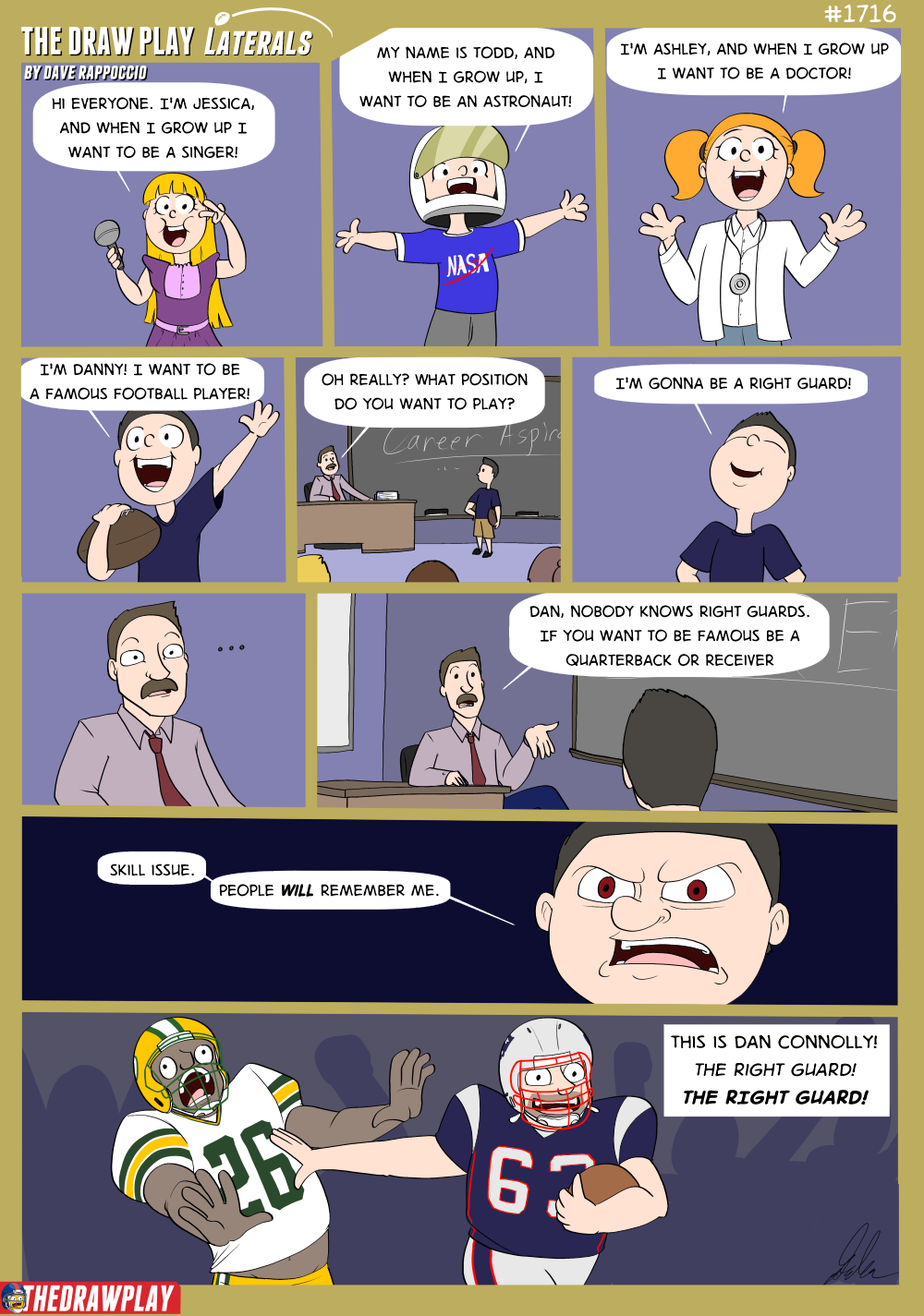
Dan Connolly Runs It Back - The Draw Play
Funny Link
thedrawplay.com · by ctpatsfan77
2d
📰
📰 Article
Patriots Sign TE Mitch Van Vooren and LB Riley Wilson; Release FB Brock Lampe
Patriots Player News
patriots.com · by mayoclinic
2d
𝕏 / Tweet
X.com - Patriots Transactions, Lampe Released, Patriots Sign 2
Patriots Player News
twitter.com · by jmt57
2d
Kraft Speaks on Christian Gonzalez, Reveals Team’s Offer Would Make Him “Highest-Paid Player Ever” at CB
TRANSCRIPT: Robert & Dana Kraft Media Interview 7/25
TRANSCRIPT: Drake Maye Press Conference 7/25
REPORT: Patriots Finally Get Rookie Jacas Under Contract
TRANSCRIPT: Mike Vrabel Press Conference 7/25
Patriots’ Vrabel Addresses Gabe Jacas Holdout: “We’re not going to put a timeline on it”
Vrabel Optimistic as Patriots Continue Contract Talks with Christian Gonzalez: “I Would Expect Him to Participate”
DeAndre Hopkins On Hand Ahead of Camp, Pondering Coaching Role
TRANSCRIPT: Mike Vrabel Pre-Training Camp Press Conference 7/24
MORSE: Pre-Camp Patriots Roster Projection and Training Camp Preview
Back
Top